Keep using Outlook: connecting nest54 to Microsoft 365
Coexistence instead of a cut-over date: how nest54 syncs email, calendars and contacts with Microsoft 365, where the limits are and what your IT should check first.
The biggest obstacle to a new work platform is often not the technology but the mailbox: Outlook is set up, calendars and contacts are maintained, clients write to familiar addresses. With nest54 you can keep using Outlook and connect Microsoft 365 instead of switching everything on one date. This article describes exactly what the integration does, where its limits are and what your IT should check beforehand.
Coexistence instead of a cut-over date
Switching on a single date affects everything at once: mailboxes, calendars, files, habits. A step-by-step approach is usually easier to manage. Projects, files, chat and tasks move into nest54 workspaces, while the mailbox and calendar stay at Microsoft and are visible in nest54. Anyone who prefers can keep working in Outlook; anyone working in nest54 sees the same appointments and can bring emails straight into the project.
A step-by-step start could look like this:
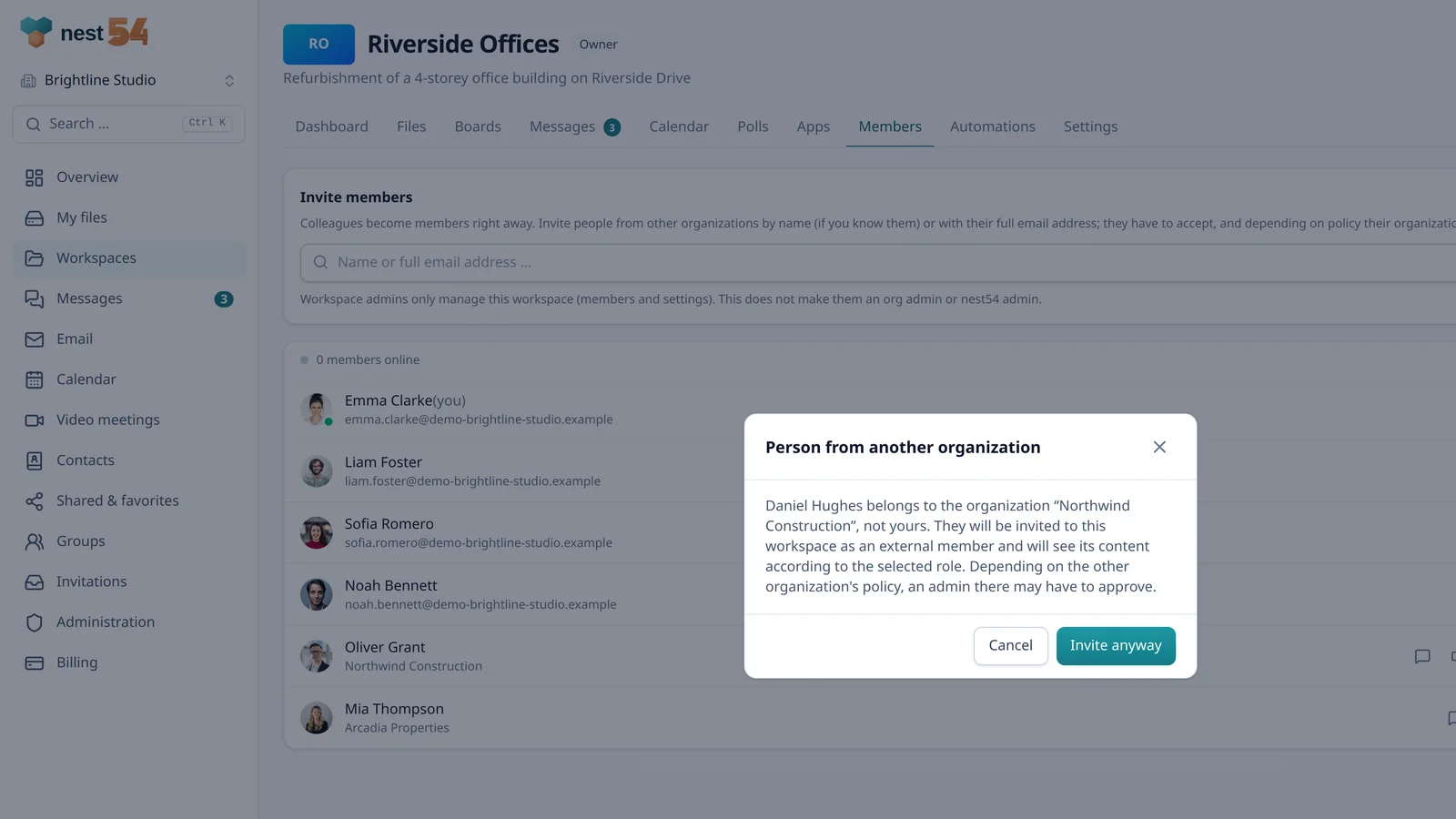
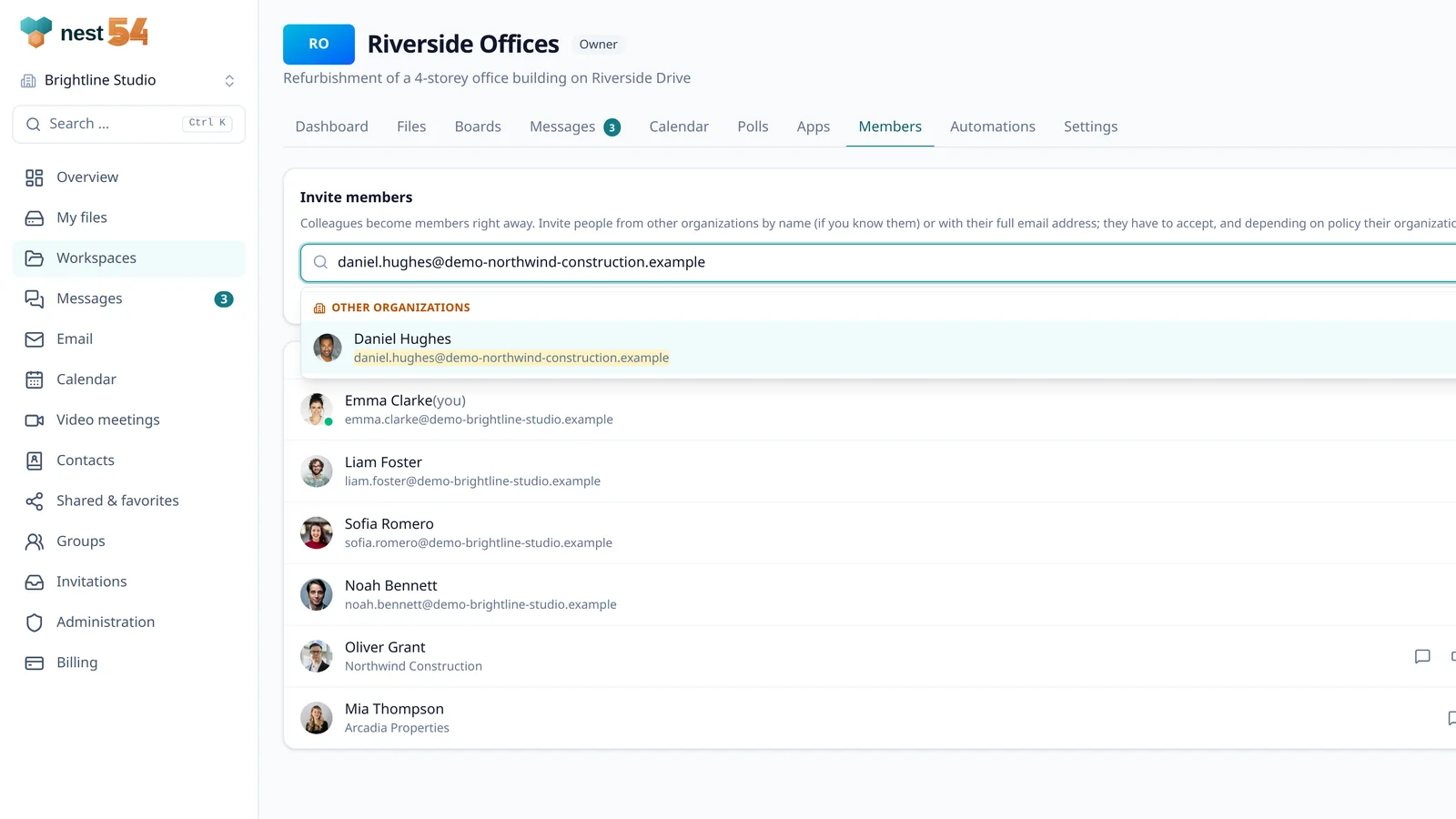
- Set up a pilot project as a workspace and invite the people involved, including external ones.
- Everyone connects their Microsoft account so that appointments and contacts stay current in both worlds.
- Upload project files or make them available in File Explorer through the Windows app.
- After a few weeks, review together what works well and decide on the next area.
Important for context: in this coexistence setup, Microsoft remains the place where your mailbox lives. nest54 accesses it on behalf of the signed-in person. The additional questions that come with a full switch are covered in A European Microsoft 365 alternative.
What nest54’s Microsoft 365 integration does
| Area | Scope |
|---|---|
| Sign-in | directly with Microsoft, for Microsoft 365 and Outlook.com; nest54 stores no password |
| read and send in nest54, copy in “Sent Items” | |
| Calendar | sync in both directions |
| Contacts | sync in both directions, including phone, address and website |
Sign-in
You connect your Microsoft account by signing in with Microsoft. nest54 receives access tokens, which are stored encrypted; nest54 never sees your Microsoft password. This matches Microsoft’s direction: in Exchange Online, Basic authentication with username and password is disabled for IMAP and other protocols in all tenants, and applications must use OAuth 2.0 (Microsoft Learn).
nest54 reads your mailbox via IMAP with OAuth and sends through the Microsoft Graph API. Microsoft stores the copy of sent messages in “Sent Items” as usual, so Outlook shows them too. nest54 syncs new messages, read flags and deletions every five minutes. “Save to workspace” turns an email into a file in the project, and “Card from email” turns it into a task on the board.
Calendar
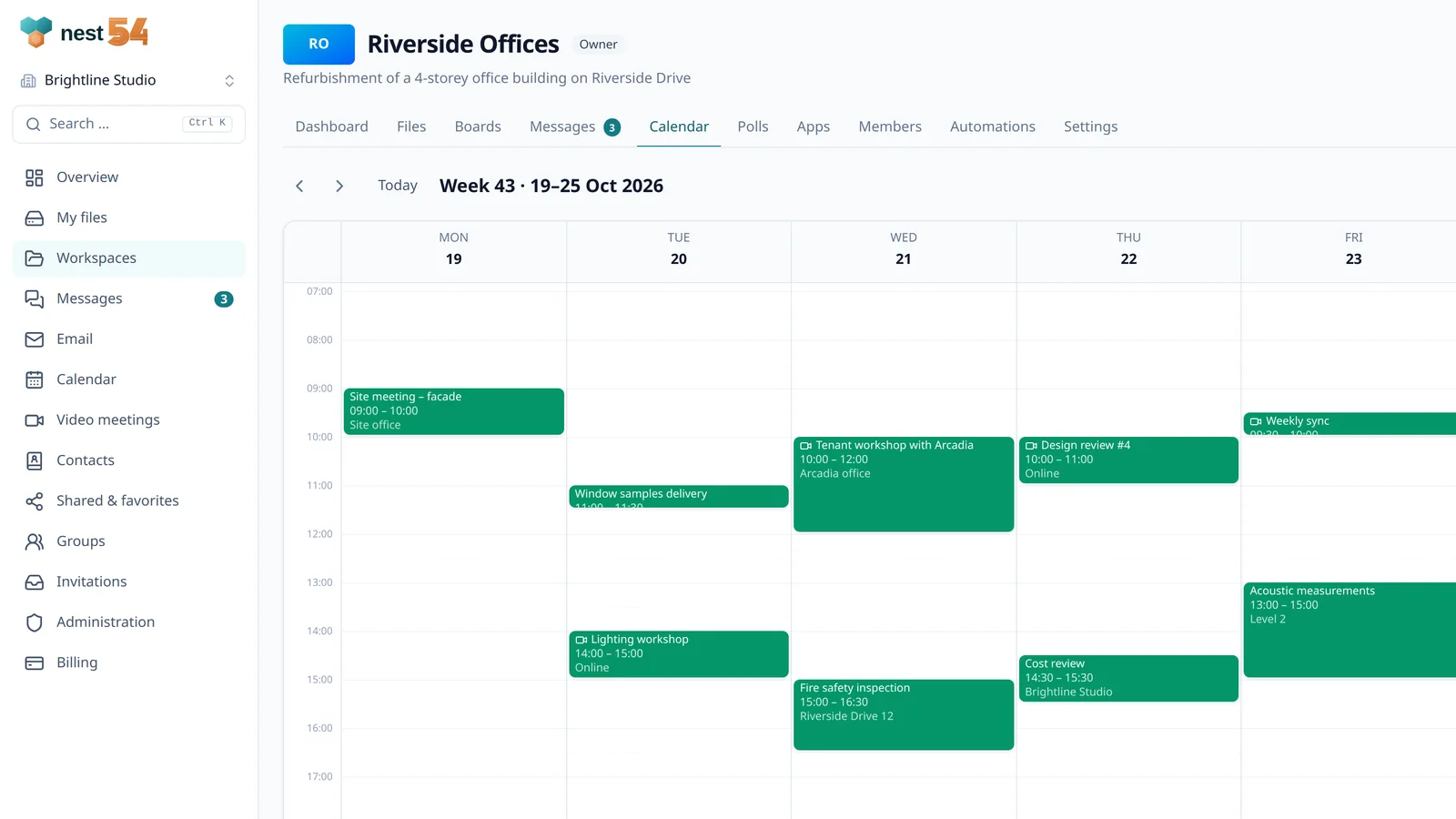
Your Outlook calendar appears in nest54 as a separate calendar called “Outlook”. Appointments from Outlook are visible in nest54; appointments you create or change in that calendar in nest54 end up in Outlook. The sync covers the period from 90 days in the past to one year ahead.
Contacts
Contacts from Microsoft 365 land in your personal address book in nest54, and contacts created in nest54 go back to Microsoft. If you have connected several Microsoft accounts, the account connected first receives new contacts.
The sync runs every 15 minutes and additionally about half a minute after a change in nest54. It compares each field with the last synced state and only transfers fields that changed. Protection against accidental mass deletions is built in, and syncing can be turned off per mailbox.
Limits you should know about
- Conflicts: if the same field was changed on both sides, Microsoft’s version wins.
- Recurring appointments from Outlook appear in nest54 as individual appointments. Series created in nest54 with a simple rule are sent to Outlook as a series; later changes to time or rule, and exceptions for single occurrences, are not transferred.
- Contacts: at most three email addresses per contact are transferred, and the number of phone numbers transferred is limited as well.
- Size: emails sent through nest54 can be about 3 MB in total. Larger attachments are better shared as a link.
- Search: emails are not part of nest54’s full-text search. On the first sync, nest54 loads the latest 300 messages per folder.
What your IT should check first
- App consent: whether employees may consent to an application themselves or an administrator must consent is set by your IT in Microsoft Entra ID. Microsoft recommends limiting user consent to apps from verified publishers and offers an admin consent request workflow (Microsoft Learn). Check in advance which route applies to you.
- Plan: the Microsoft 365 integration is included from the Business plan; see Pricing.
- Other mailboxes: mailboxes from other providers are connected via IMAP/SMTP with your own server details.
- Single sign-on: independently of this, you can handle sign-in to nest54 via single sign-on with Microsoft Entra ID and provision accounts via SCIM 2.0.
CalDAV and CardDAV for every other device
Besides the Microsoft integration, nest54 supports the open standards CalDAV and CardDAV. This lets you sync calendars and address books with apps such as Thunderbird or the calendar and contacts apps on iPhone and Android. Access uses app passwords that you can create and revoke individually. Appointments and contacts from another system can be imported as .ics files or as vCard or CSV – including contacts exported from Outlook.
The benefit of open standards shows at the latest when you switch: your calendars and contacts aren’t tied to a single app.
Where nest54 fits
The integration is meant for teams that want to bring their project work into shared workspaces – including with clients and partners from other organisations – without moving their mailbox right away. How collaboration across company lines works is described in A Teams alternative for working with clients and partners. If, on the other hand, you are mainly looking for a straight replacement for Exchange: nest54 does not currently offer its own mail server. All email, calendar and contacts features are listed under Features.
Frequently asked questions
Can I keep using Outlook if my team uses nest54?
Yes. You connect your Microsoft account to nest54. You can read and send email in nest54 or keep using Outlook, and calendars and contacts are synced in both directions. The mailbox stays at Microsoft.
Does nest54 store my Microsoft password?
No. You sign in directly with Microsoft. nest54 receives access tokens, which are stored encrypted.
What happens with conflicting changes?
The sync compares each field with the last synced state. If the same field was changed in Outlook and in nest54, Microsoft’s version wins.
Does syncing also work with iPhone, Android or Thunderbird?
For these devices and apps, nest54 offers CalDAV and CardDAV. You set up access with an app password.
Sources
- Deprecation of Basic authentication in Exchange Online – Microsoft Learn
- user: sendMail – Microsoft Learn (Microsoft Graph)
- Configure how users consent to applications – Microsoft Learn (Microsoft Entra ID)
- RFC 4791: Calendaring Extensions to WebDAV (CalDAV) – IETF
- RFC 6352: CardDAV – vCard Extensions to WebDAV – IETF