Guest access or own account? How to bring in external users
Anonymous link, guest account with the host or the partner company’s own account: we compare three ways to bring in external users, with a focus on security, offboarding and licensing.
Clients, subcontractors, agencies, tax advisers: almost every project involves people who do not belong to your own company. The question is how they get access. Is guest access enough, or an anonymous link – or should external users work with their own company account? The answer affects security, offboarding, licence costs and who owns the data. This article compares the three common models. Status: October 2026.
Three ways to bring in external users
- Anonymous link: anyone who knows the link (and the password, if there is one) can see the shared file or folder. There is no account.
- Guest account with the host: the inviting organization creates an account for the external person in its own tenant. The person signs in with these credentials.
- Cross-organization: the external person works with the account of their own organization. The host grants rights to its project but does not manage the person’s identity.
Anonymous link: fast, but without identity
For a one-off handover of a document, a link is often the right choice. It needs no invitation and no registration. The downside: the link is not tied to a person. If it is forwarded, the new recipient has access too. A log can show how often the link was used, but not by whom.
Under Art. 25(2) GDPR, data protection by default means personal data must not be made accessible to an indefinite number of people without the individual’s intervention. For links containing personal data, this means in practice: a password, an expiry date and the narrowest possible scope. A link is unsuitable for ongoing collaboration, because you cannot revoke access for a single person without disabling the link for everyone.
Guest account with the host: control, with admin effort
A guest account ties access to a person. The host can assign rights precisely, require two-factor authentication and see who did what. This works well for clients or individuals without their own infrastructure.
The catch is the lifecycle. The host usually does not know when the person leaves their company. In its IT-Grundschutz module ORP.4, Germany’s Federal Office for Information Security (BSI) requires permissions to be granted only on actual need, accounts and permissions no longer needed to be removed when staff change, and the assignment of rights to be reviewed regularly. With guest accounts, you have to organize this review yourself, for example with expiry dates and regular checks. In addition, the external person manages yet another password, and their own company’s security rules do not apply to this account.
The partner company’s account: identity stays where it belongs
In the cross-organization model, the external person signs in with their own organization’s account. Their company decides how sign-in is secured and deactivates the account when the person leaves. The host decides which content the person can see. This split matches responsibility: the home organization knows its staff, the host knows its project.
The prerequisite is that both sides use the same platform or that their systems are connected. And the partner company needs its own account with the platform.
The models compared
| Anonymous link | Guest account with the host | Partner company’s account | |
|---|---|---|---|
| Tied to a person | no | yes | yes |
| Sign-in and MFA governed by | – | host | home organization (host can additionally require MFA) |
| Offboarding when someone leaves | disable link, affects everyone | host must act itself | handled through the home organization |
| Traceability | access counted, not attributable | per person | per person |
| Suitable for | one-off handover | clients, individuals | partner companies, longer projects |
There is no general rule on licensing: whether guest accounts or external members cost anything is set out in each provider’s terms. Check this before you decide, especially when many external users are involved. For companies covered by NIS-2, access control and multi-factor authentication are among the statutory minimum measures; more in “NIS2 and collaboration tools: what companies should check now”.
How nest54 brings in external users
nest54 supports all three approaches and is built from the ground up for projects with several organizations:
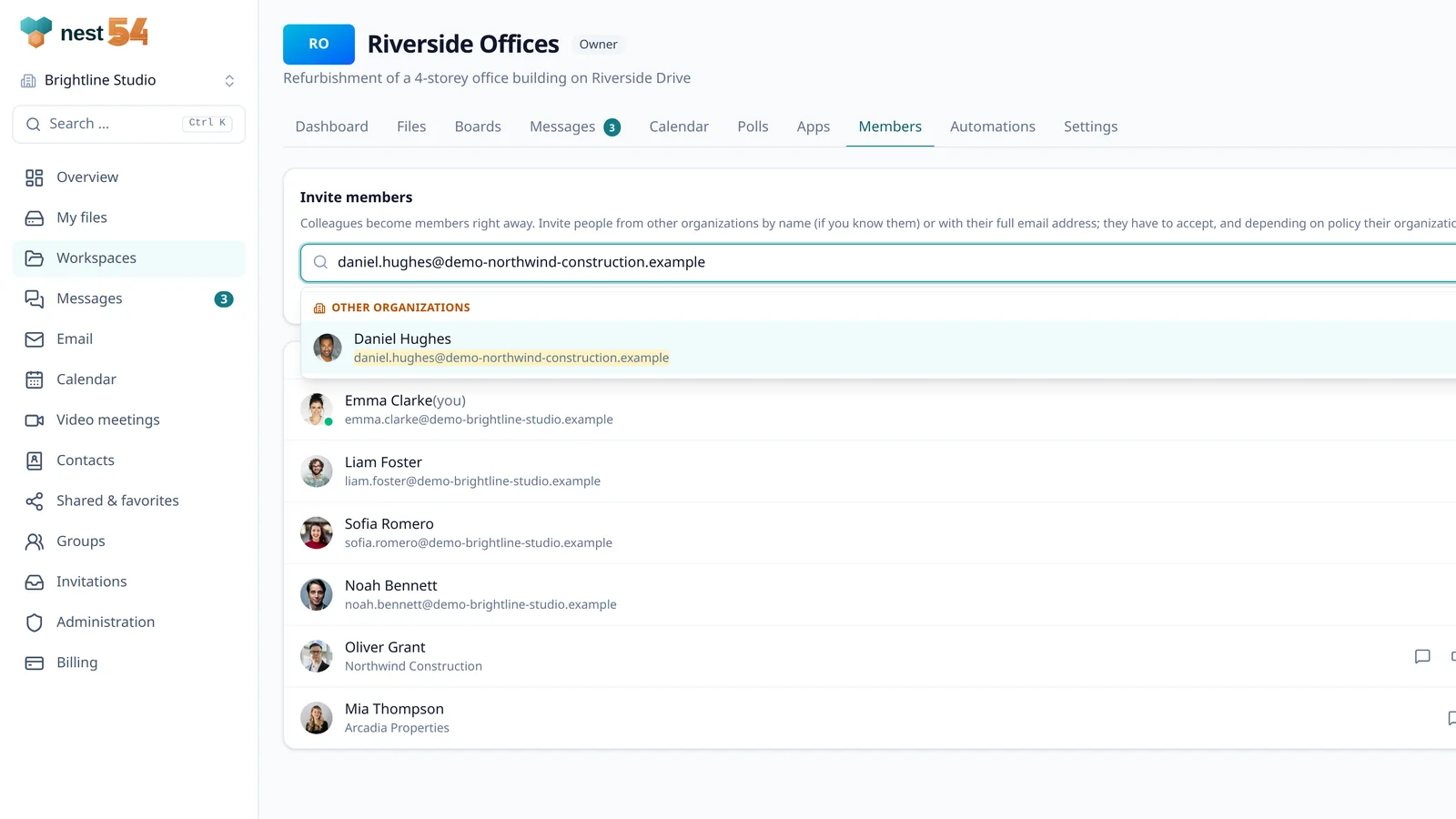
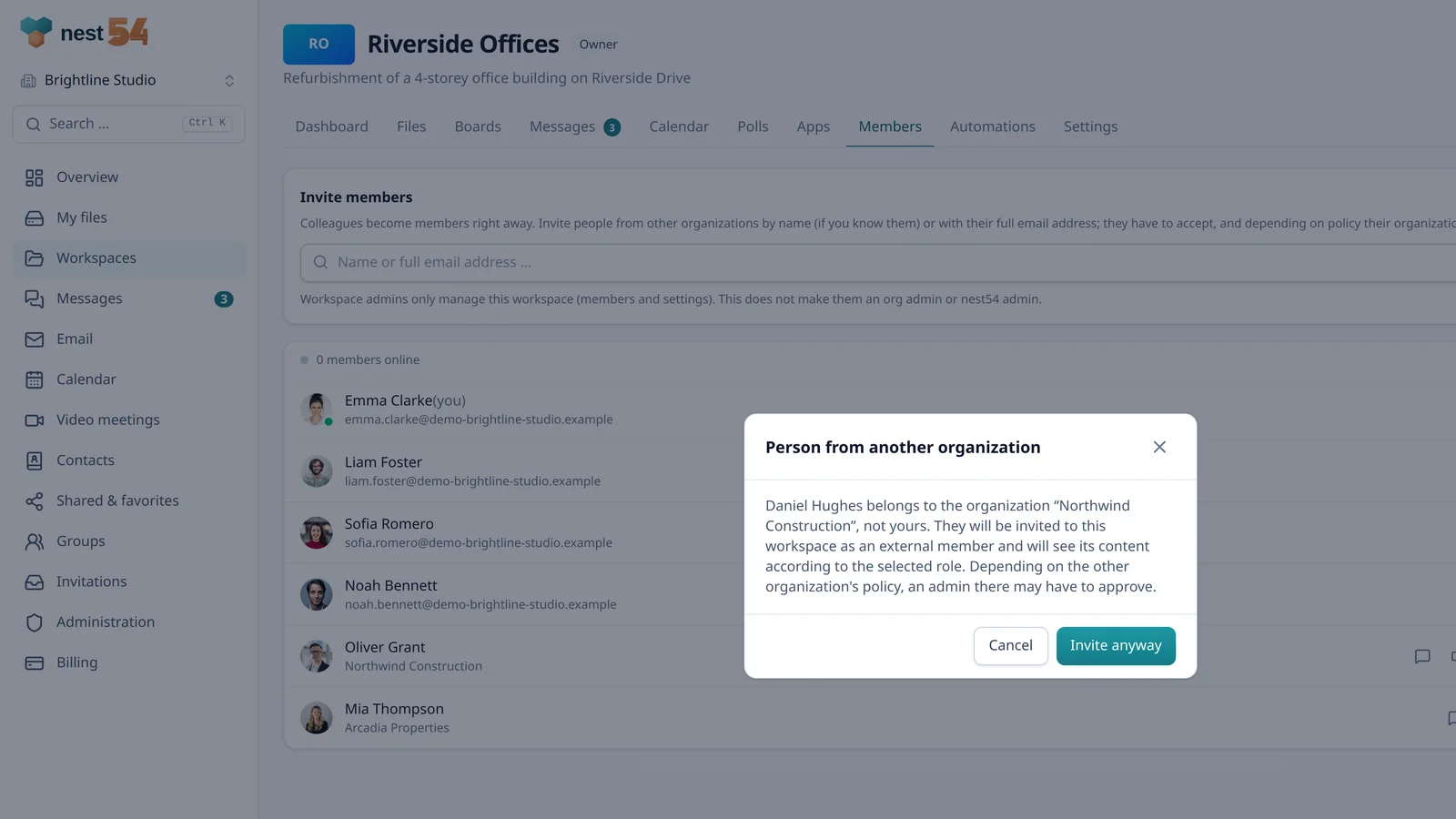
- Partners with their own account: people from other organizations join a workspace as external members and see its content according to the selected role. Before inviting, you confirm that the person belongs to another organization (see the image above). Depending on the policy, both the invited organization and the invited person confirm (two-step approval).
- Groups as members: instead of individuals, a partner company can add one of its own groups. Only the partner company controls who is in it.
- Split rules: sign-in, MFA method and offboarding are governed by the home organization; content rules such as public links are governed by the host. If a workspace requires two-factor authentication, members without it cannot enter. When an account is deactivated in its home organization, its memberships in other organizations’ workspaces end as well.
- Read-only guests: people without their own nest54 organization join as guests and can see files, boards, messages and calendars, but cannot change anything. A guest can later be converted into a member.
- Links: share links with password, expiry date, file drop and access counter; video meetings with a guest link and waiting room; polls that guests can join via link.
- Trust policies and data ownership: each organization decides whether it collaborates across organizations with everyone, only with partners, or not at all. External people can only be found if they allow it; email addresses of other companies stay hidden. The data belongs to the organization that created the workspace and stays there when a partner leaves.
- Billing: billing is per active user; guests from other organizations are free. See Pricing for details.
There is one limit: cross-organization collaboration takes place within nest54. nest54 does not currently offer federation with other installations or platforms. For sharing files securely with external parties, see “Sharing files with external partners in line with the GDPR”; all features are listed under Features.
Guest access, link or partner account: which fits when?
- One-off handover: link with password and expiry date.
- Client needs to follow along: read-only guest access, time-limited and reviewed regularly.
- Partner company works actively with you: the partner company’s own account, so sign-in and offboarding are handled where the person is employed.
Frequently asked questions
What is the difference between guest access and an external member?
A guest account is created and managed by the inviting organization itself. An external member works with the account of their own organization; sign-in, two-factor authentication and offboarding are then handled by the home organization, while the host only decides on rights to its content.
Why is an anonymous link not enough for longer projects?
A link is not tied to a person. If it is forwarded, others gain access too, and you cannot revoke access for one person without disabling the link for everyone. Access can be counted but not attributed to a person.
What happens in nest54 when an external person leaves their company?
When their home organization deactivates the account, their memberships in other organizations’ workspaces end as well. The content stays with the organization that created the workspace.
Sources
- Regulation (EU) 2016/679 (General Data Protection Regulation), Article 25 – EUR-Lex
- IT-Grundschutz Compendium, module ORP.4 Identity and Access Management (2023 edition, German), requirements ORP.4.A2 and ORP.4.A3 – Federal Office for Information Security (BSI)
- German BSI Act (BSIG), Section 30 risk management measures (German) – Federal Ministry of Justice / gesetze-im-internet.de